
Create an account
It’s easy to create an account in the Readpeak platform, but to do so, you need to fill in some specific details. Just scroll down to the bottom of this page – and ensure that you use your company email to log in.
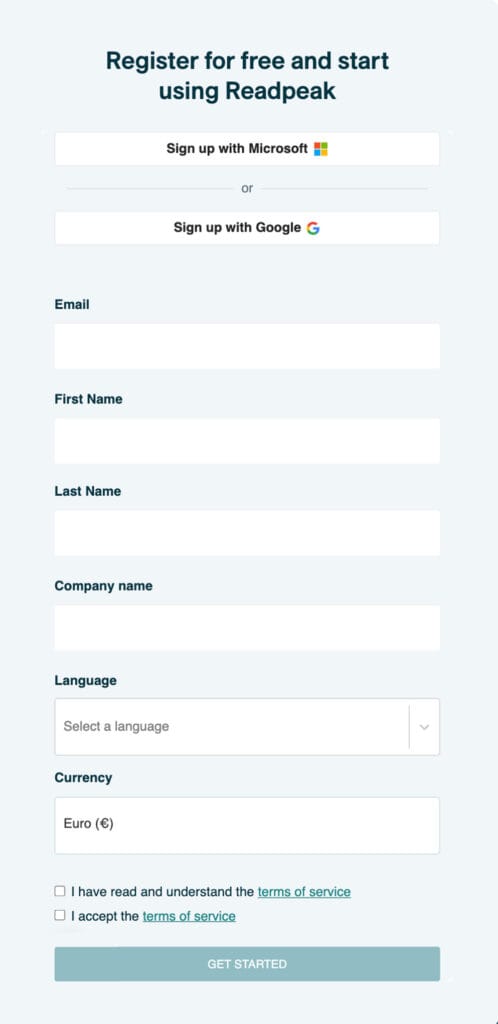
Account verification
When you create an account, you will have access to the platform, but with limited functionality. To gain full access, our team must verify the account. This verification process usually takes up to 24 hours after registering. You can speed up the process by sending a message in the platform chat (find the chat icon in the bottom right corner). Once verification is complete, you’ll receive a confirmation email.
Account details
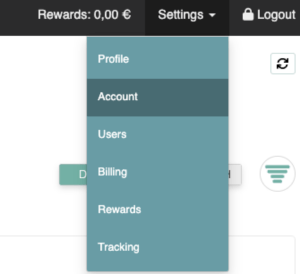
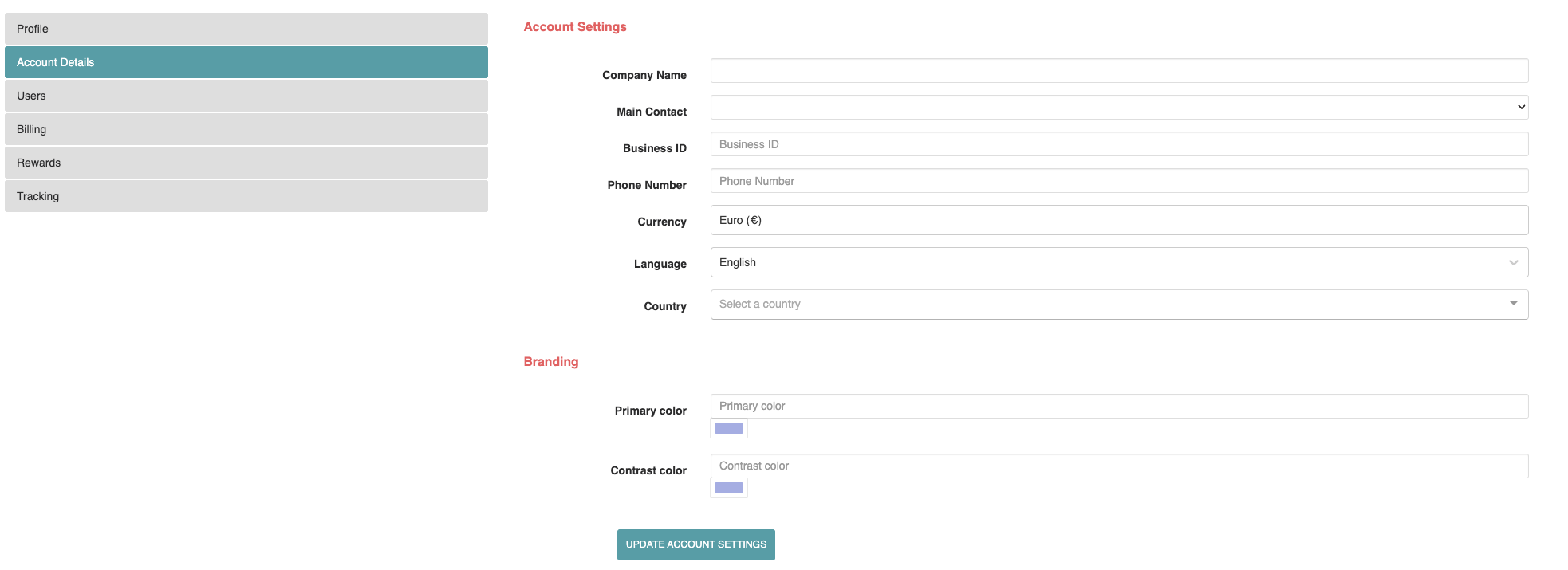
Once your account is verified, you can fill in the remaining details by navigating to Settings > Account.
Billing information
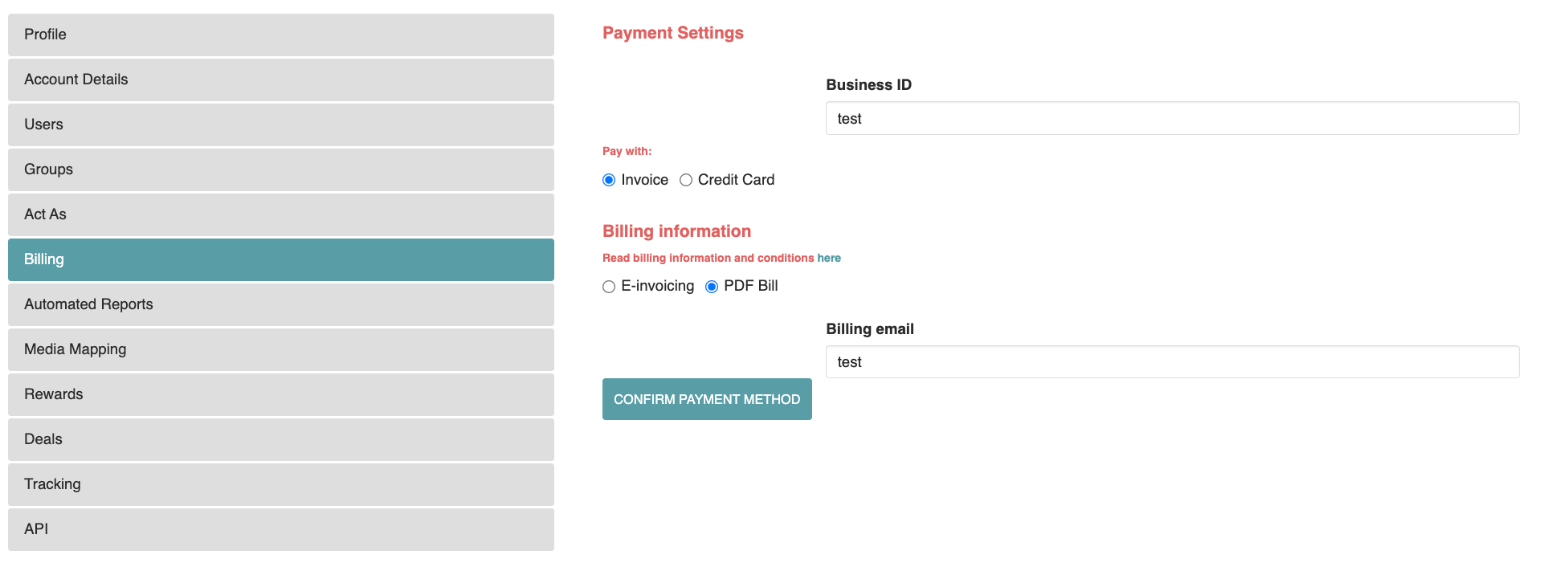
To create campaigns, a business ID/VAT ID and credit card details must be added. If you prefer invoicing, please contact our support through the platform chat.
User invitations
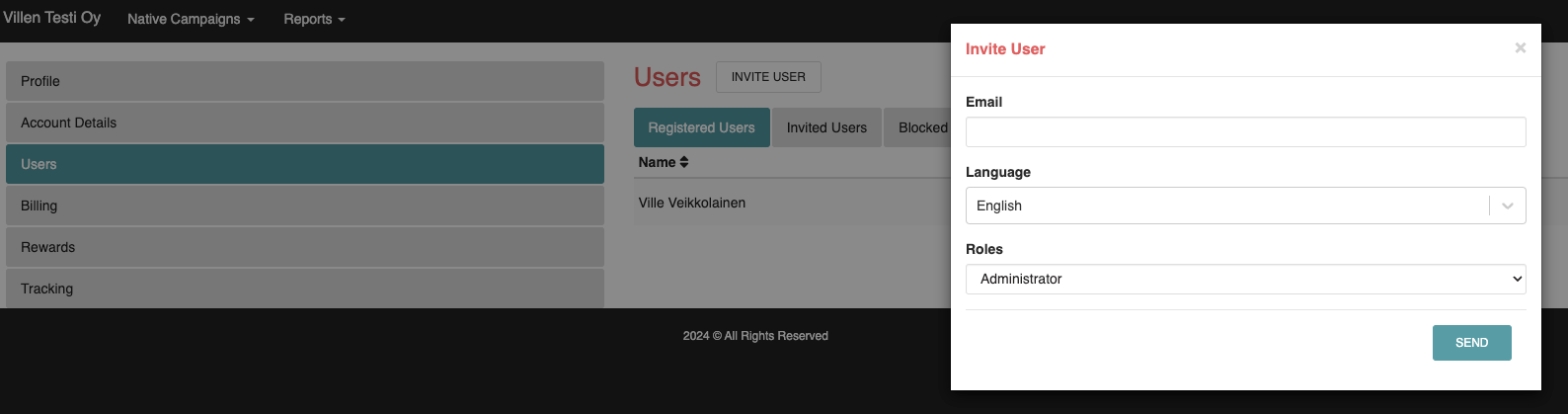
You can invite others to the platform by going to Settings > Users > Invite user.
User roles
The platform offers different account roles.
| Permission | Admin | Producer | Manager | Content editor |
|---|---|---|---|---|
| ADMIN | ||||
| Add users | ✓ | |||
| Block users | ✓ | |||
| Edit user access | ✓ | |||
| Add associated client for user | ✓ | |||
| Edit account details | ✓ | |||
| Edit billing details | ✓ | |||
| Edit personal profile | ✓ | ✓ | ✓ | ✓ |
| CLIENTS | ||||
| Add clients | ✓ | ✓ | ||
| Access client card | ✓ | ✓ | ✓ | |
| Edit client details | ✓ | ✓ | ||
| Access client campaigns | ✓ | ✓ | ✓ | |
| CAMPAIGNS | ||||
| Create new campaign | ✓ | ✓ | ✓ | |
| Edit ads/creatives and their settings | ✓ | ✓ | ✓ | ✓ |
| Add new ads/creatives | ✓ | ✓ | ✓ | ✓ |
| Edit and add media & placements | ✓ | ✓ | ✓ | |
| Edit settings in campaigns | ✓ | ✓ | ✓ | |
| Edit targeting in campaigns | ✓ | ✓ | ✓ | |
| Add and edit tracking in campaigns | ✓ | ✓ | ✓ | |
| Duplicate existing campaign | ✓ | ✓ | ✓ | |
| Adjust bid and budget in campaigns | ✓ | ✓ | ✓ | |
| Access financial information (Bid, CPC, Spend) | ✓ | ✓ | ✓ | |
| Can activate / deactivate campaigns | ✓ | ✓ | ✓ | |
| REPORTS | ||||
| Campaign reports with all data | ✓ | ✓ | ✓ | |
| Campaign reports without financial information | ✓ | ✓ | ✓ | ✓ |